


This post is also available in:


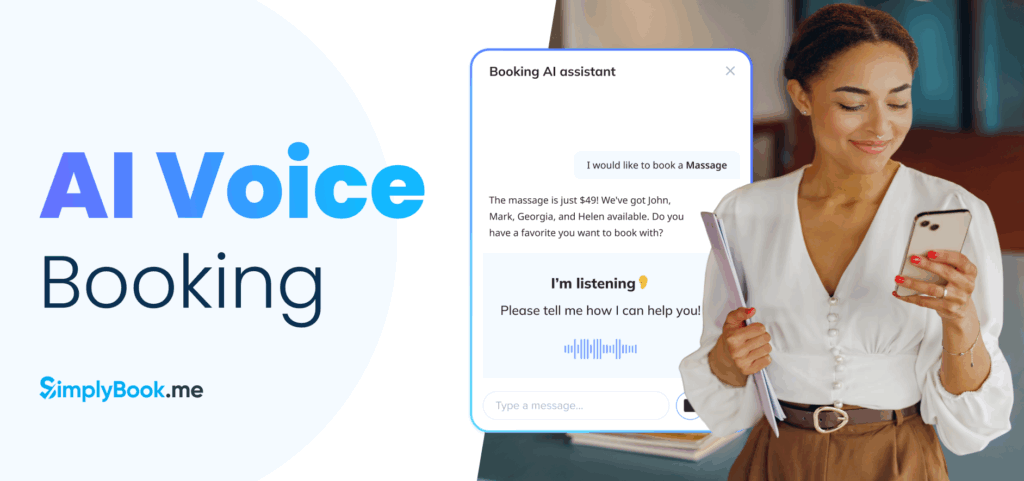
Booking should be effortless in today’s world of rapid innovation. No clicks, no forms, just speak, and the appointment is set.
SimplyBook.me introduces its new AI Voice Booking feature, a modern, efficient solution that brings voice-powered bookings to your business.

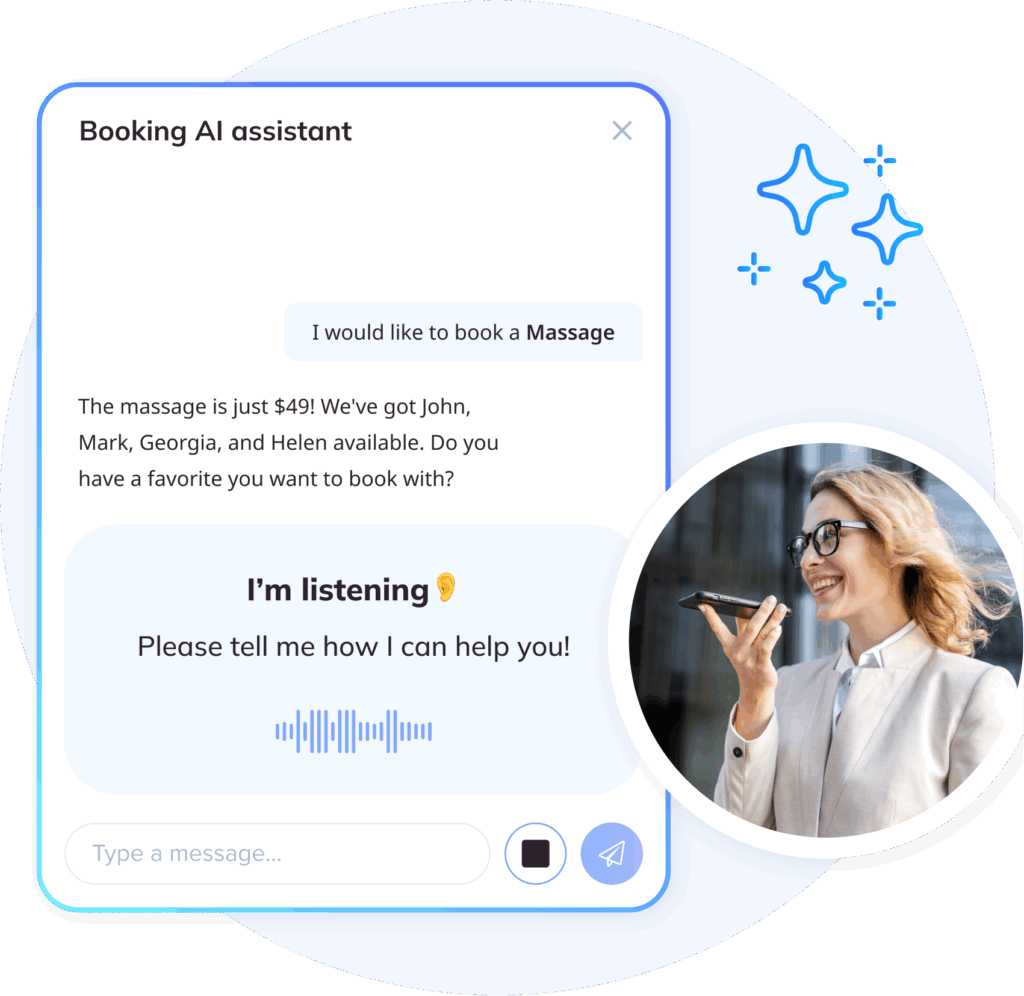
This intelligent AI booking widget allows customers to schedule appointments naturally through voice commands, offering a fresh and convenient alternative to traditional booking methods.
Instead of clicking through calendars, selecting services from dropdown menus, and filling in contact details across fields, clients can simply say “I need a haircut next Tuesday afternoon,” and the system handles the rest.
You get an AI assistant for bookings that works 24/7, checking availability, and confirming appointments, all without pulling you away from the work that actually grows your business.
Scheduling shouldn’t steal hours from your day. The AI Voice Booking widget brings hands-free appointment booking directly to your website or SimplyBook.me page.
In this article, we’ll explore the feature’s capabilities, explain how to integrate it, and highlight why it’s an exciting step forward in AI-powered scheduling.
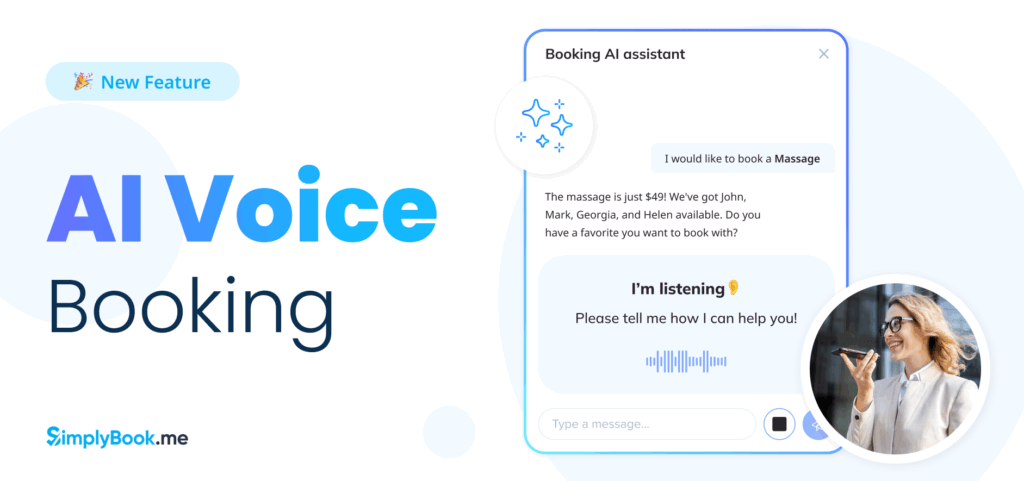
AI Voice Booking Widget: Hands-Free Scheduling
The AI Voice Booking new feature is SimplyBook.me’s innovative tool that brings AI scheduling directly to your website or booking page.
More than a traditional booking form, it functions as an intelligent virtual assistant, guiding clients through a fluid, hands-free appointment booking experience.
This AI scheduling solution integrates seamlessly into your website or SimplyBook.me booking page, creating a modern, accessible experience that works for everyone, from tech-savvy millennials to clients who prefer speaking over typing.
This focus on accessibility and intuitive booking is central to how SimplyBook.me approaches AI. As Rut Steinsen, CEO of SimplyBook.me explains.
“Booking should be effortless and intuitive. Customers do not want to click around. They want answers instantly, and technology needs to meet them there.”
Rut shares more on this approach in a founder interview, where she discusses how AI voice booking supports service businesses without removing the human element.

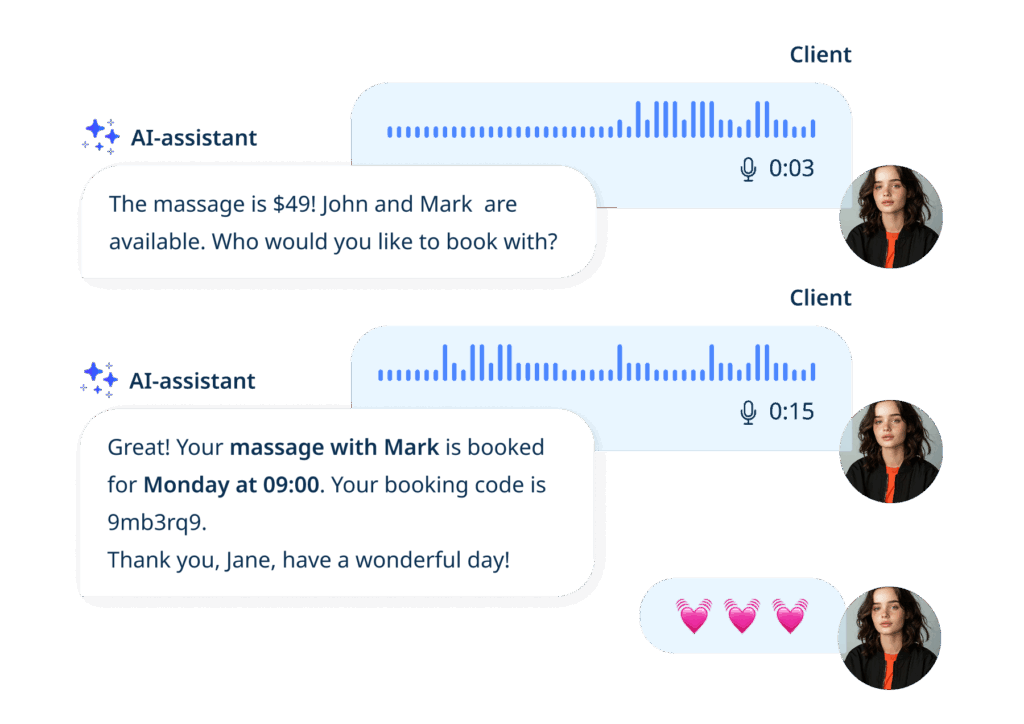
What Your Clients Experience
Voice-powered booking removes friction from the scheduling process. Your clients can:
- Book through natural conversation – They simply tell the AI booking widget what they need: “I’d like a massage next Tuesday afternoon” or “Book me a haircut with Maria.” No forms, no clicking through multiple screens.
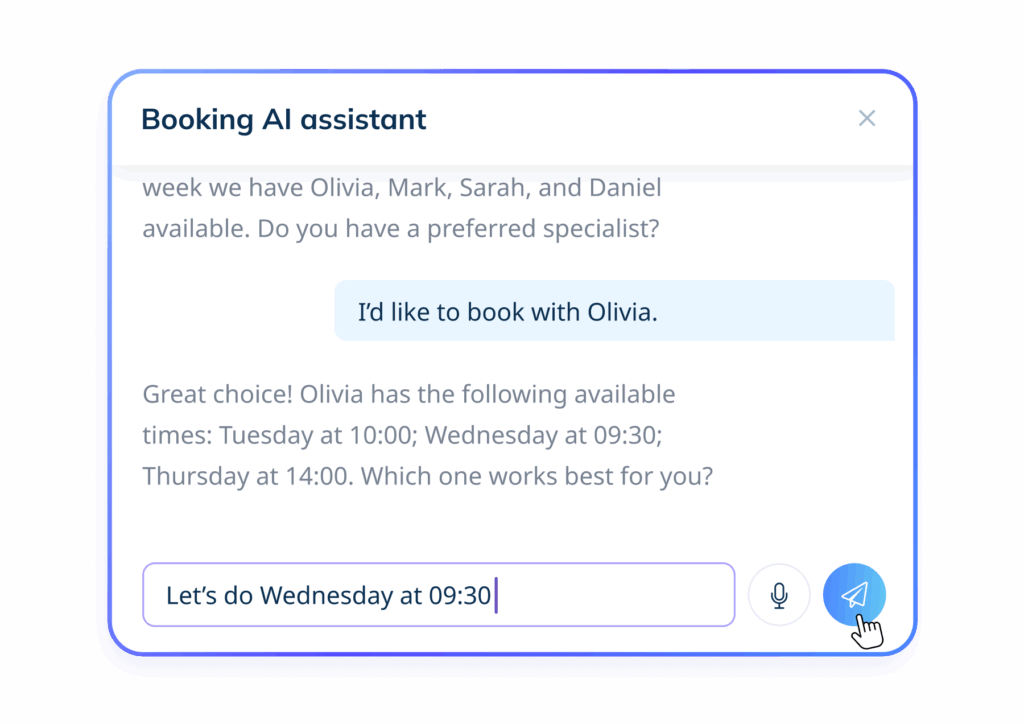
- Get instant availability – The AI assistant for bookings checks your real-time calendar automatically, suggesting open time slots that match their request without the back-and-forth of phone calls or messages.
- Receive immediate confirmation – Once they confirm their choice, the system triggers automatic confirmations and reminder notifications, reducing no-shows and keeping everyone on the same page.
What Your Business Gains
While clients enjoy effortless AI voice booking, your business benefits from powerful automation working behind the scenes:
- 24/7 appointment availability – The AI scheduling widget never sleeps, never takes breaks, and never misses a booking opportunity. Clients can schedule at 2 PM or 2 AM, whenever inspiration strikes.
- Less admin work – Stop juggling phone calls, text messages, and emails about availability. The AI booking widget takes care of routine scheduling conversations automatically, freeing your team to focus on delivering exceptional service.
- Fewer abandoned bookings – Voice booking is faster and easier than filling out forms. When booking takes 30 seconds instead of 3 minutes, more clients follow through and confirm their appointments.
- Inclusive booking – Voice booking works for clients who have difficulty with screens, prefer talking over typing, or find speaking easier, helping you serve more customers.
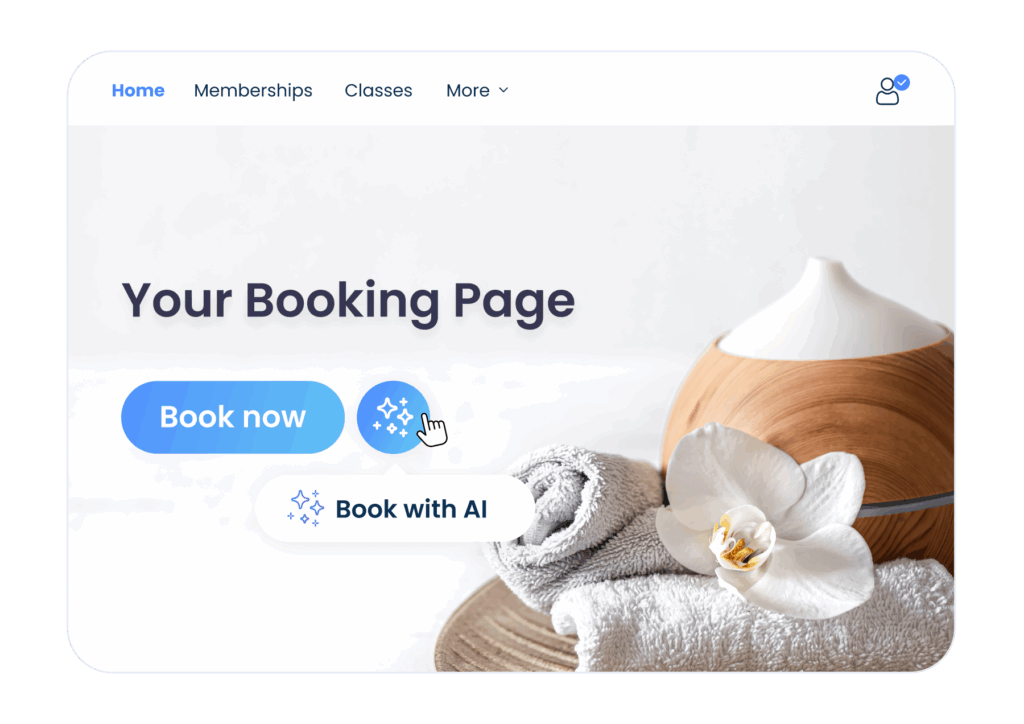
The SimplyBook.me AI Advantage
This AI voice booking tool represents SimplyBook.me’s commitment to bringing cutting-edge AI scheduling technology to businesses of every size.
While enterprise companies spend thousands on custom AI assistants, SimplyBook.me users get professional-grade voice booking capabilities built directly into their subscription.
The widget works intelligently with your existing setup, syncing with your calendar, respecting your booking rules, and maintaining your brand’s look and feel through customizable colors.

How to Set Up the AI Voice Booking Widget
Getting your AI Voice Booking widget up and running takes just a few minutes, no coding skills or technical knowledge required.
First, decide where you want the AI booking widget to live: on your SimplyBook.me booking page or embedded on your own website.
Then, follow the simple setup steps, and your AI assistant will be booking appointments within seconds.
Option 1: Add AI Voice Booking to Your SimplyBook.me Booking Page
This is the fastest way to get started with AI scheduling. Your widget appears automatically on your existing booking page.
Step 1: Find the feature
Log in to your SimplyBook.me dashboard, head to Custom Features. Type ‘AI Voice Booking‘ in the search bar to get started.
Step 2: Turn it on
Click Enable to activate the AI booking widget.
Note: When you enable AI Voice Booking, two settings are off by default:
Homepage visibility — To show the AI chat/voice widget on your SimplyBook.me booking page, switch Show AI Chat/Voice Widget on Homepage to ON.
Voice transcription — If you want clients to talk instead of type, turn on Allow Voice Calls in the feature settings.
Step 3: Claim your credits
Paid users enabling the feature for the first time can click Get Free Credits in the feature settings. Free-trial users must purchase AI booking credits to start using the widget.
Step 4: Check your credit balance
Claim free trial credits or purchase AI booking credits on the Plans & Prices page. You can include them with your subscription or buy packs as needed. Check your remaining balance on the Dashboard or in Account info.
Step 5: Adjust AI Preferences
Return to Custom Features → AI Voice Booking to configure settings.
Step 6: See it in action
After enabling the AI Voice Booking feature, it is automatically added to your booking page. Navigate to My Booking Channels → My Booking Website, green button in the upper right corner to see the widget on your page.
Note: The AI assistant only creates new bookings. It cannot manage cancellations, reschedules, or packages.

Option 2: Embed AI Voice Booking on Your Own Website
Want the AI scheduling widget on your business website? This integration works with virtually any website builder.
Step 1: Enable the feature
In your SimplyBook.me dashboard, go to Custom Features. Type ‘AI Voice Booking‘ in the search bar and click Enable.
Step 2: Get your free credits
Paid users enabling the feature for the first time can click Get Free Credits in the feature settings to redeem test credits. Free-trial users can purchase credits to start using the widget.
Step 3: Customize the widget
Go to Widget Settings in the AI Voice Booking panel (or via Settings → AI Chat Widget Tab). Configure colors to match your website.
Step 4: Get your widget code
Click Save & Get Widget Code. A window titled “Add code to webpage to offer booking option on your existing site” will appear. Click the Copy icon to copy the script.
Step 5: Add it to your website
Paste the copied script into your website’s booking page using your website editor or builder. The code works with WordPress, Wix, Squarespace, Duda, webnode, and most other platforms.
View Reports
Once your AI Voice Booking widget is live, you can track its activity in Reports → AI Booking.
Here, you’ll see the number of credits used and the related bookings that were completed. This helps you monitor usage and ensure everything runs smoothly.
That’s it! Your AI Voice Booking assistant is now live and ready to handle scheduling conversations 24/7.
If you prefer learning by watching, the video tutorial below provides a step-by-step guide on how to set up the AI Voice Booking feature from start to finish.

Understanding AI Credits for Voice Booking
Your AI Voice Booking widget runs on AI credits; think of them as the fuel that powers every conversation between your clients and your booking assistant.
Getting Started with Free Credits
Paid users get complimentary credits the first time they enable AI Voice Booking. Click Get Free Credits in the feature settings to claim them. Free-trial users must purchase credits to start using the widget.
Adding More Credits When You Need Them
You can purchase additional AI credits anytime, following these steps:
Plans & Prices → Additional Items → AI Credits Pack
Credits stay in your account until they’re used, so you can stock up before busy periods or add them as needed based on your booking volume.
Keeping Your AI Assistant Active
To ensure your AI assistant for bookings can help clients without interruption:
- Monitor your credit balance through your SimplyBook.me dashboard.
- Add credits before reaching zero to avoid any gaps in service.
- Consider your booking volume when deciding how many credits to purchase.
With a positive credit balance, your AI voice booking system stays ready to greet clients, check your real-time availability, and complete appointments through natural conversation.
Customizing the AI Voice Booking Widget
Once your AI Voice Booking widget is active, you can make it look and feel like a natural part of your website. A few quick customizations ensure the AI booking widget matches your brand perfectly. Your AI assistant for bookings should look like it belongs on your site, not like a generic add-on.
Choose your colors:
Adjust the color settings to match your website’s design and branding. Pick colors that complement your existing booking page or website theme.
Preview before you publish:
Scroll down to see exactly how the AI scheduling widget will appear to your clients.
Why Customization Matters
A well-branded AI assistant for bookings doesn’t just look better; it builds trust. When the widget matches your website’s colors and style, clients see it as part of your business, not a third-party tool. This cohesive look encourages more people to use voice booking and complete their appointments.
Who Benefits Most from AI Voice Booking?

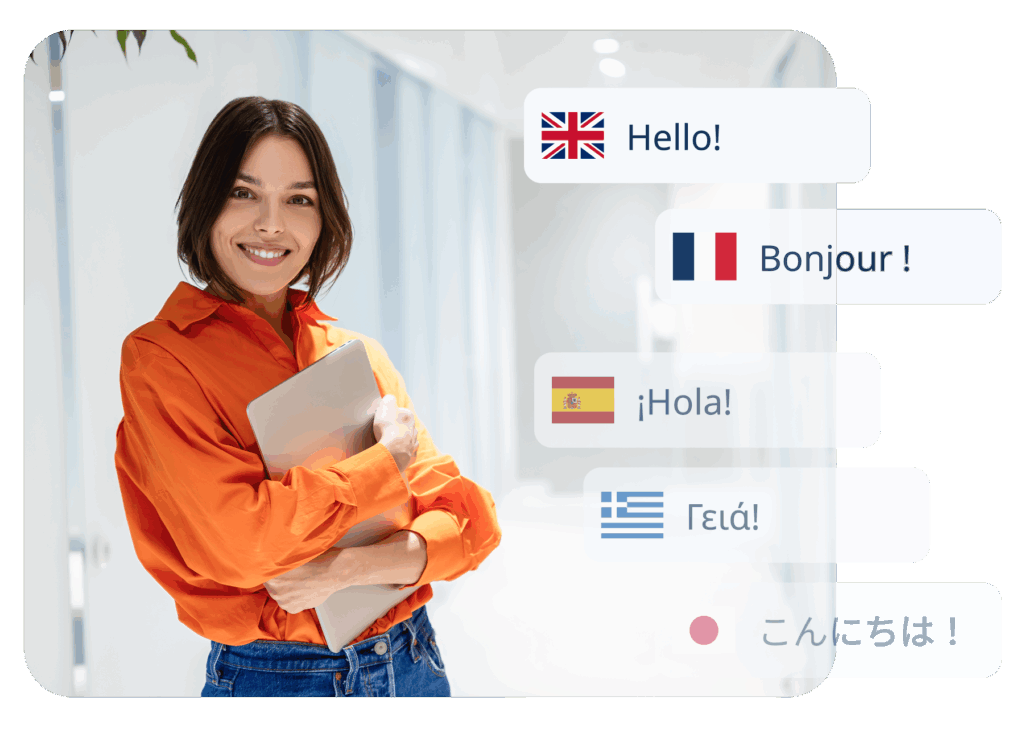
The AI Voice Booking widget works for any business that takes appointments, but it really works in industries where clients value speed, convenience, and accessibility.
When people can book by simply talking instead of typing information, more scheduling requests turn into confirmed appointments.
Health & Wellness
Medical offices, dental clinics, physiotherapy practices
Nobody likes waiting on hold to schedule a doctor’s appointment. The AI booking widget lets patients book or confirm follow-up visits anytime, even at 11 PM when they remember they need that checkup.
Voice booking also helps with appointment reminders and reduces no-shows, since the AI assistant for bookings confirms everything automatically.

Beauty & Personal Care
Salons, spas, massage therapists, nail studios
Your clients are busy. AI voice booking lets them schedule a haircut while watching their favorite TV show, book a massage during their lunch break, or reserve their favorite nail technician, all without typing a single word.
When booking takes 30 seconds instead of navigating through multiple screens, clients book more often and come back more regularly.

Fitness & Sports
Gyms, personal trainers, yoga studios, sports facilities
Last-minute class bookings? Recurring training sessions? The AI scheduling widget handles it all automatically.
Your members can reserve spots with voice commands while they’re getting ready for the gym.
Your staff stops playing phone tag about class availability and focuses on what they do best, helping clients reach their fitness goals.

Professional Services
Consultants, accountants, lawyers, coaches, advisors
Professional services run on tight schedules. The AI assistant for bookings keeps your calendar organized, sends automatic confirmations, and manages scheduling requests, all without interrupting your client work.
Clients appreciate the modern, smooth experience. You appreciate having one less administrative task on your plate.

Education & Tutoring
Tutors, language schools, music lessons, learning centers
Parents booking lessons for their kids love the simplicity of voice booking. Students can schedule study sessions between classes.
Voice booking works well for younger clients or anyone who prefers the simplicity of speaking their request.
Why AI Voice Booking Works Everywhere
Always available
Your AI assistant for bookings never sleeps. Clients can schedule at 2 am or 2 pm, whenever it’s convenient for them. You capture bookings that would otherwise be lost to “I’ll call back tomorrow” moments that never happen sometimes.
Frees your team
Stop answering the same scheduling questions over and over. The AI scheduling tool manages routine booking conversations automatically, so your staff can focus on delivering great service instead of processing calendars.
Grows with you
No matter your business size, the AI voice booking widget scales with you. Add more credits during busy periods, and let it adapt to your changing needs.

Looking Ahead: SimplyBook.me and the Future of AI Scheduling
The AI Voice Booking new feature is SimplyBook.me‘s first step into AI-powered scheduling, and we’re just getting started.
This feature shows our commitment to giving businesses smarter, simpler tools that actually save time and grow revenue.
We believe the future of appointment scheduling is about making booking so easy that it happens naturally, in seconds, without friction.
With the AI Voice Booking assistant responding to booking inquiries 24/7, you get real advantages that impact your daily operations.
Your clients book when and how they want, speaking naturally instead of typing details and clicking through options. Happy clients become repeat clients.
The AI booking widget answers booking questions automatically, so you can focus on what you do best: delivering great service.
Modern clients expect modern convenience. Businesses offering voice booking stand out from competitors still relying on phone calls and email threads.
The AI Voice Booking feature represents where we’re headed as a platform. We’re building a future where AI scheduling tackles the repetitive parts of running a business, so you can focus on the parts that actually need your focus and time.
Ready to see how AI scheduling transforms your booking process?
Visit the AI Voice Booking Page
The future of appointment scheduling is conversational, intelligent, and always available. See it in action today.

AI Voice Booking FAQ: Everything You Need to Know
1. What is the AI Voice Booking widget?
The AI Voice Booking widget is SimplyBook.me’s intelligent assistant for appointments. It allows clients to schedule services through natural conversation, while automatically checking availability, sending confirmations, and reducing administrative tasks. Think of it as a 24/7 AI assistant for bookings integrated directly into your website or SimplyBook.me booking page.
2. How do AI credits work for the AI Voice Booking widget?
The AI Voice Booking widget runs on AI credits, which power every conversation between your clients and the assistant.
- Free credits: First-time users may receive complimentary credits to test the feature.
- Purchasing credits: Additional AI credits can be purchased anytime by following these steps: Plans & Prices → Additional Items → AI Credits Pack.
- Credit management: Monitor your balance to keep the AI assistant active and avoid interruptions
3. Can I use the AI Voice Booking widget on my website?
Yes! The AI Voice Booking widget can be embedded on virtually any website platform, including WordPress, Wix, Squarespace, Duda, webnode, and custom-built sites. Simply copy the widget code from your dashboard after customizing it and paste it into your website builder editor or insert the widget code into an HTML section of your website builder.
4. How do I customize the AI Voice Booking widget?
You can match the AI scheduling widget to your brand in a few clicks:
- Navigate to Settings/ Booking Widget Settings / AI Chat Widget Tab
- Adjust color settings to match your website design.
- Preview changes before publishing to ensure a seamless, branded experience for clients.
5. Which businesses or industries benefit most from AI Voice Booking?
The AI Voice Booking widget works for any business with appointments, but it’s especially impactful for:
- Health & Wellness: Medical, dental, and therapy appointments.
- Beauty & Personal Care: Salons, spas, massage therapists.
- Fitness & Sports: Gyms, personal trainers, yoga studios.
- Professional Services: Consultants, lawyers, coaches.
- Education & Tutoring: Schools, tutors, music lessons.
Its hands-free, 24/7 functionality makes it ideal for clients who value speed, convenience, and accessibility.
6. How does AI Voice Booking improve client experience?
Clients enjoy a frictionless, conversational way to book:
- Book via natural voice commands instead of forms.
- Get real-time availability instantly.
- Receive automatic confirmations and reminders.
- Access 24/7 booking without waiting for phone or email responses.
7. How does AI Voice Booking help my business?
The AI Voice Booking widget automates routine scheduling tasks:
- Reduces administrative workload.
- Minimizes missed or abandoned appointments.
- Provides scalable 24/7 scheduling support.
- Frees staff to focus on delivering services rather than managing bookings.